
Payment Capture Alerts
To send the payment notifications automatically when a payment is captured, you will have to create a workflow under the Razorpay Integration with Gallabox. Let’s delve into that.- Go to Integration on your Gallabox dashboard and from My Integration Section , choose the connection under the Razorpay Integration.
- Click on Use button beside Payment Captured Workflow, and choose a Message Template that you want to send to your customers when they make a payment to your business. Map the right variables for the selected message template and add the payload for the button if you would like to trigger a bot on button reply.
- Add the Action like updating the contact tag with the Tag like
payment madeto update the contact detail and click on Submit.
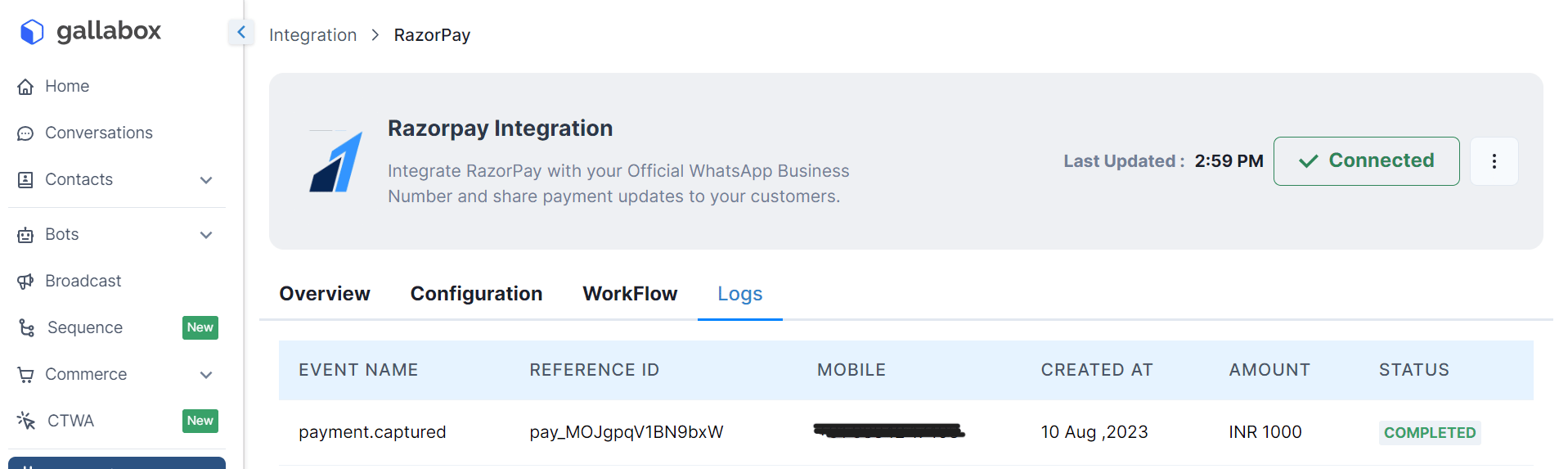
Similarly you can create Workflows for Payment Failed and Refund Status Alerts.
Remove Razorpay Integration
If you want to delete the Razorpay Integration due to some reasons, follow the 2 step process listed below.- Go to Integration on your Gallabox dashboard. Click on the Integrated Razorpay Application.
- Click on the 3 dots besides Connected and you will find a delete option. When you click on Delete, the integration will be deleted and cannot be recovered.
Disable the Workflows
If you want to disable the Razorpay workflow due to some reasons, just switch off the toggle beside the workflow. If the Toggle is ON, as shown in the picture below it means the workflow is working.
