
- Select the Channel Name (the WhatsApp Number you are using with Gallabox). Click on Update Configuration.
- Go to Workflow and click on Create New Workflow. Select the Lead Ad Form and then Pick a Template you want to share with your customers.
If you have more than one page for your business, you can create workflows for all your Facebook pages. Similarly, if you have more than one lead form, you can create different workflows under the Facebook Leads Integration.
Workflow for Fb leads
You can either pick the Template from the Gallery or from the existing templates.
- After selecting the Template put appropriate variables like Recipient’s Name and phone number.
Only map the variables that are available on the template. In the below Gif you can see the template has Recipient Name and Recipient Phone.
- Add the Action type from the list of actions to update the contact info or the tags and Choose Operation.
Creating a workflow
- After you are done creating a workflow, you would see it in the list. You can create another workflow using the same process.
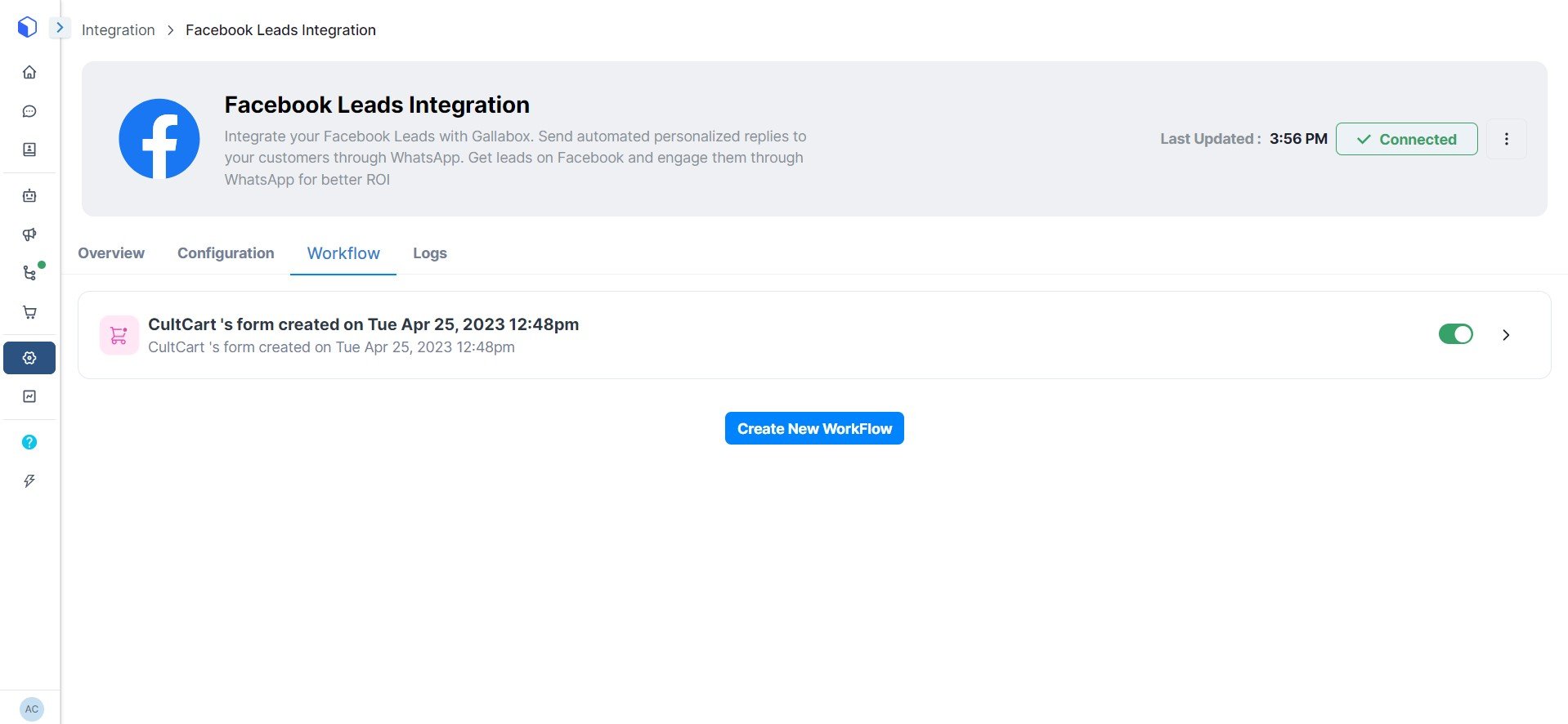
Workflow created